Still transcribing parish registers by hand? I built an app for that
In an earlier post, I tested three AI models on transcribing parish registers of the Russian Empire (the books of births, marriages and deaths kept by Orthodox churches). Gemini won by a wide margin. Still, the result wasn’t perfect, and to repeat it yourself you had to install command-line tools, work in a terminal and fiddle with settings. In short, not something you could do without a technical background.
So I took it a step further and built a proper app in Google AI Studio. It transcribes records in batches and does a much better job with far less fuss.
Open the app (you’ll need a Google account)
What makes it work
Three simple tricks noticeably improve the quality of the transcription:
- A list of the parish’s villages. The model stops making up place names and picks from the real ones
- One page transcribed by hand. The model sees a sample and adapts to that particular handwriting and style of entries
- A good prompt that makes real use of the data in those files
From births to marriages and deaths
The first version could only do birth records. The response was great: several people wrote that they’d tried it on their registers and were pleasantly surprised by the result. I now use it all the time myself; it’s genuinely faster than working through everything by hand.
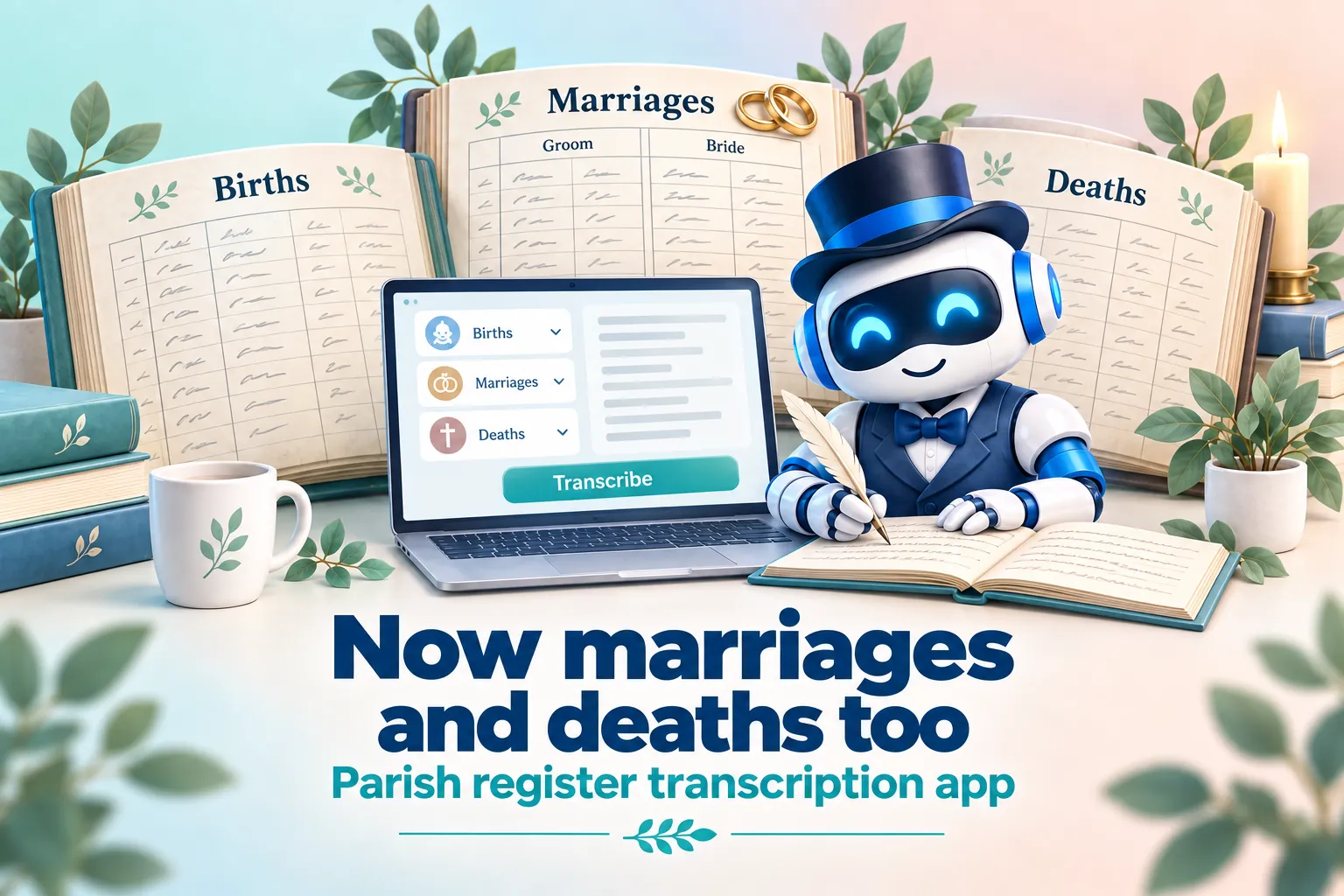
But a parish register isn’t just births. It also has marriages and deaths, and each record type has its own format, its own columns and its own quirks. Asking an app built for births to transcribe a wedding record isn’t a great idea. So a week later I shipped a big update, and now the app handles all three types of records:
- Births, as before
- Marriages: groom, bride, guarantors (the witnesses), social estate (peasant, merchant, noble and so on)
- Deaths: age, cause of death
Each type has its own prompt that accounts for how those particular records are structured. You just choose what you’re transcribing, upload the pages, and everything else works as before.
How to use it
- Attach a text file with the list of villages in the parish
- Transcribe one page of the book by hand and attach it as a sample, so the model can lean on it when something is unclear
- Upload the pages you want transcribed (up to about 10 at a time; beyond that you hit limits)
- Choose the record type: births, marriages or deaths
- Press the button and wait
Honest caveats
You can’t upload the whole book at once; you’ll run into Google’s limits. But 10 pages usually go through without problems. For a 100-page book, that’s 10 rounds instead of a month of manual work. Not perfect, but an order of magnitude faster than doing it by hand.
What’s next
The next tool I want to build is for transcribing revision lists, the poll-tax censuses of the 18th–19th centuries.
Try it on your own registers and tell me how it went!