Tree Prism: a big update
A month and a half ago I shared an early prototype of Tree Prism and promised to keep polishing it if people found it useful.
They did: a few dozen people now use the service every day, and a lot of great feedback has come in (thank you all for it!).
So here is a fairly big update. You can try it at prism.vibe-genealogy.com.
What’s new:
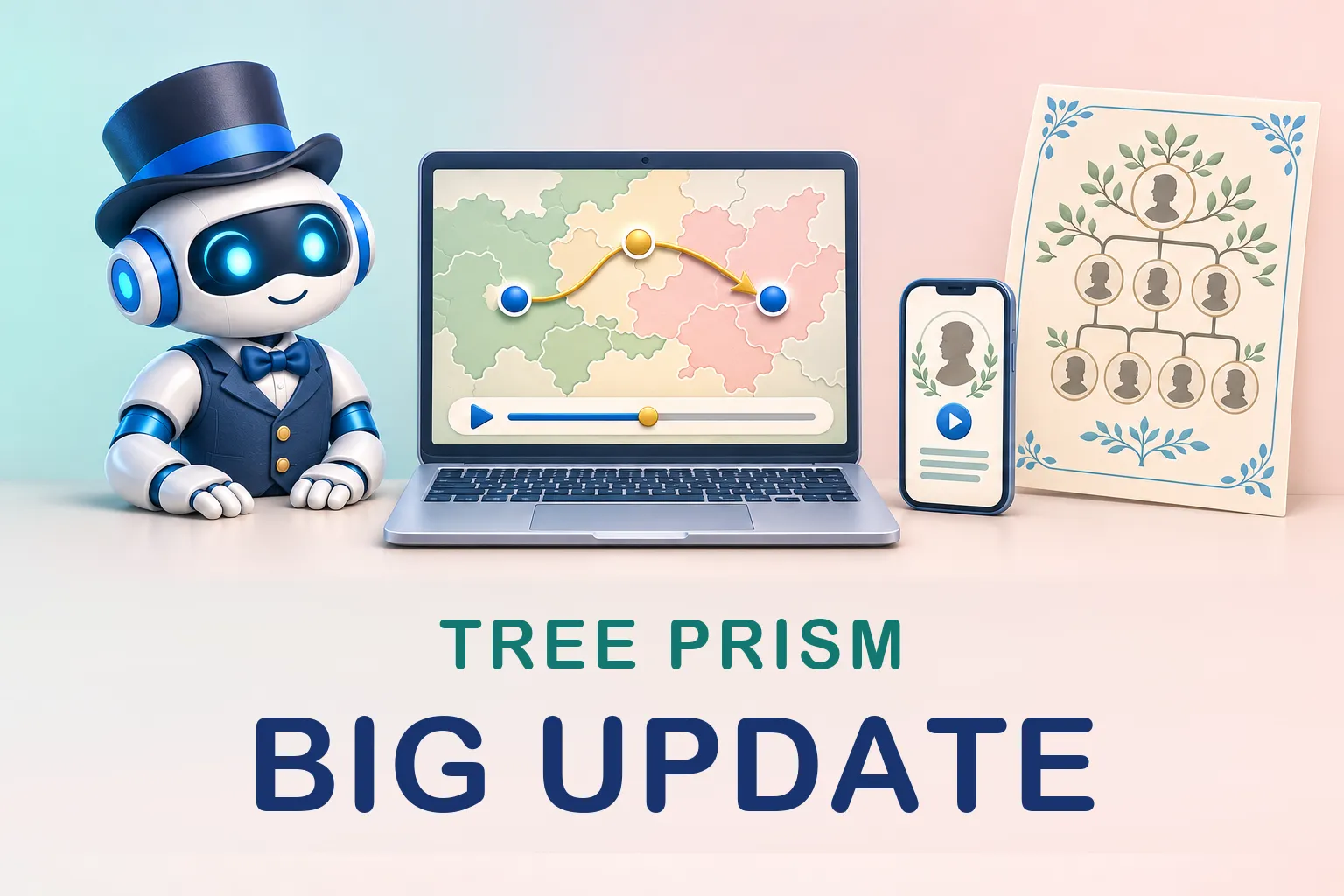
- A new view: Map. See where your ancestors were born and where the family moved. For families from the Russian Empire, the map also shows the province borders of 1897. Press play to run through the years and watch the family spread out.
- Lots of improvements to the Galaxy view. For example, pick a person and a golden thread traces the path from them to the person in the center, while their card says in plain words how the two are related (a great-uncle, say).
- One switch now sets who is shown across all the charts: ancestors only, ancestors with their siblings, descendants, or all blood relatives.
- Tree charts got visual themes, a frame and a cartouche with your own caption, and you can hide the branches you don’t need. For big trees (seven generations and up) there is a compact layout.
- Printing. You can save a chart as a PDF or an SVG (handy if you want to finish it in Inkscape or Illustrator), in sizes up to A0. Big enough to hang on the wall.
- Story videos. The fact cards are now joined by short videos about your family, with four scenarios to choose from. The video is put together right in your browser, and you can save it and post it on social media.
As before, your files aren’t uploaded anywhere: everything is computed on your own computer or phone.
Try it on your own tree and show me what you get! And tell me what’s still missing: hello@vibe-genealogy.com.